SCRIPTS. SKILLS. SMARTER WORKFLOWS.

Automation templates, scripts and AI skills

Ready-to-use n8n workflows, Google Apps Script for Sheets, Gmail and Drive, and skills for Claude and ChatGPT. Every resource tells you what it does, what you need and how to set it up. Pick one, test it on sample data, and get that hour of copy-paste back.

Apps ScriptSheets, Gmail, Drive, Forms
n8n workflowsImportable JSON files
AI skillsFor Claude and ChatGPT
Setup notesOn every resource
FEATURED

Featured templates, scripts and skills

Two good places to start.

Explore all
FROM THE BLOG

Automation guides and tutorials

Practical walkthroughs with real examples you can copy.

View all guides
WHY ZIGSFLOW

Why use ZigsFlow's automation library

Built for people who want the job done, not a course on automation.

See the setup before you start

Every listing shows its requirements, permissions and limits up front. No surprises halfway through.

Read the code first

Scripts and workflows are plain files. Open them, check them, then decide if they run on your account.

Search by the job

Look up “Gmail”, “domain rating” or “Sheets”. You don't need to know a tool's name to find the fix.

HOW IT WORKS

How to use an automation template in 3 steps

Most resources take 5 to 20 minutes to set up. Each platform has its own setup guide.

  1. 01
    Find it

    Search by task, app or language.

  2. 02
    Check what it needs

    API keys, permissions and the kind of account it expects.

  3. 03
    Test, then switch it on

    Run it on a copy of your data. Once it behaves, schedule it or add a trigger.

FAQ

Automation templates FAQ

Quick answers before you download anything.

What is ZigsFlow?

ZigsFlow is a library of automation templates: Google Apps Scripts, n8n workflows, code snippets and AI skills for Claude and ChatGPT. Every resource comes with setup steps. ZigsFlow is a product of Jeenam Infotech.

Are the templates free?

Yes. Every resource in the library is free to download. Some connect to paid services (the Ahrefs DR checker needs an Ahrefs API plan, for example), and each listing says so.

Where can I find n8n workflow templates?

In the n8n section of the library. Each workflow is a JSON file you import into n8n Cloud or a self-hosted n8n, then connect your own credentials. The n8n setup guide covers the import step by step.

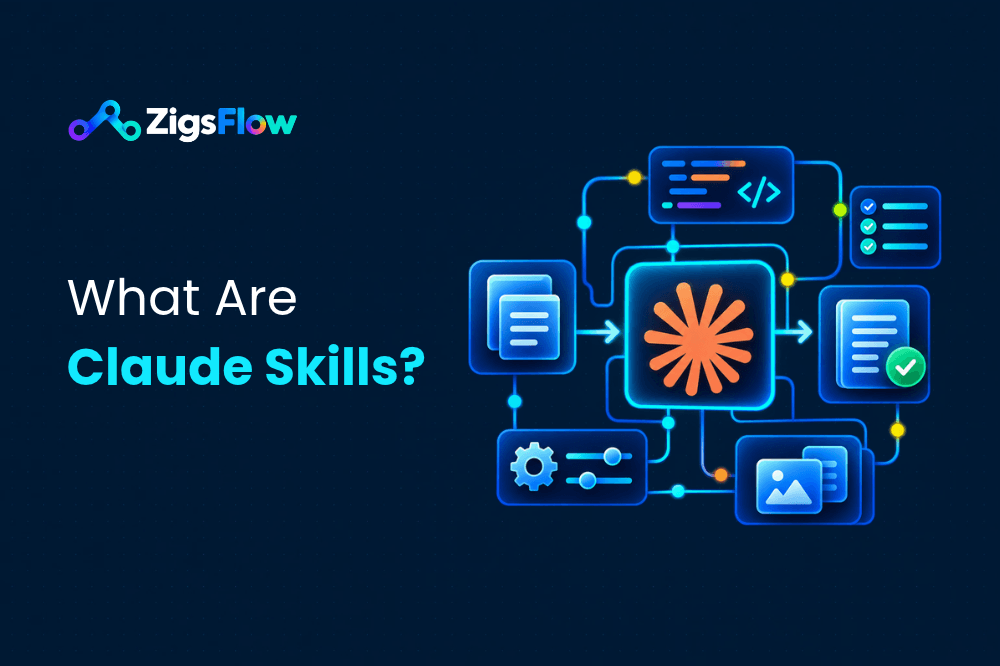
What are Claude skills?

A Claude skill is a folder with a SKILL.md instruction file, and sometimes scripts or reference files, that Claude loads when a task needs it. It makes Claude handle that task the same way every time. Our ChatGPT skills package the same idea as reusable instructions for ChatGPT.

Is Google Apps Script free?

Yes. Apps Script comes with every Google account at no extra cost. Google sets daily quotas, such as how many emails a script can send, and Workspace accounts get higher limits.

Do I need to know how to code?

For most resources, no. You paste a script and change a few settings, import an n8n workflow and connect your accounts, or add a skill file to your assistant. You only need to code if you want to change how something works.

Is it safe to run a downloaded script or workflow?

Treat it like any code from the internet. Read it, run it on a copy of your data, and grant only the permissions it needs. Keep API keys out of shared files.

Can I suggest a resource?

Yes. Send it through the contact page with the source, the license and the setup steps, and we'll review it.
START WITH ONE TASK

Find an automation template for your next task

Pick one small job you repeat every week and see if the library has a shortcut for it. If it doesn't, tell us and we'll look at building it.